"I know half of my advertising works, I just don't know which half."
It's the oldest clichè in marketing, but in 2024, it's inexcusable. Yet, our audits show that over 60% of B2B websites have critical tracking errors that make accurate attribution impossible.
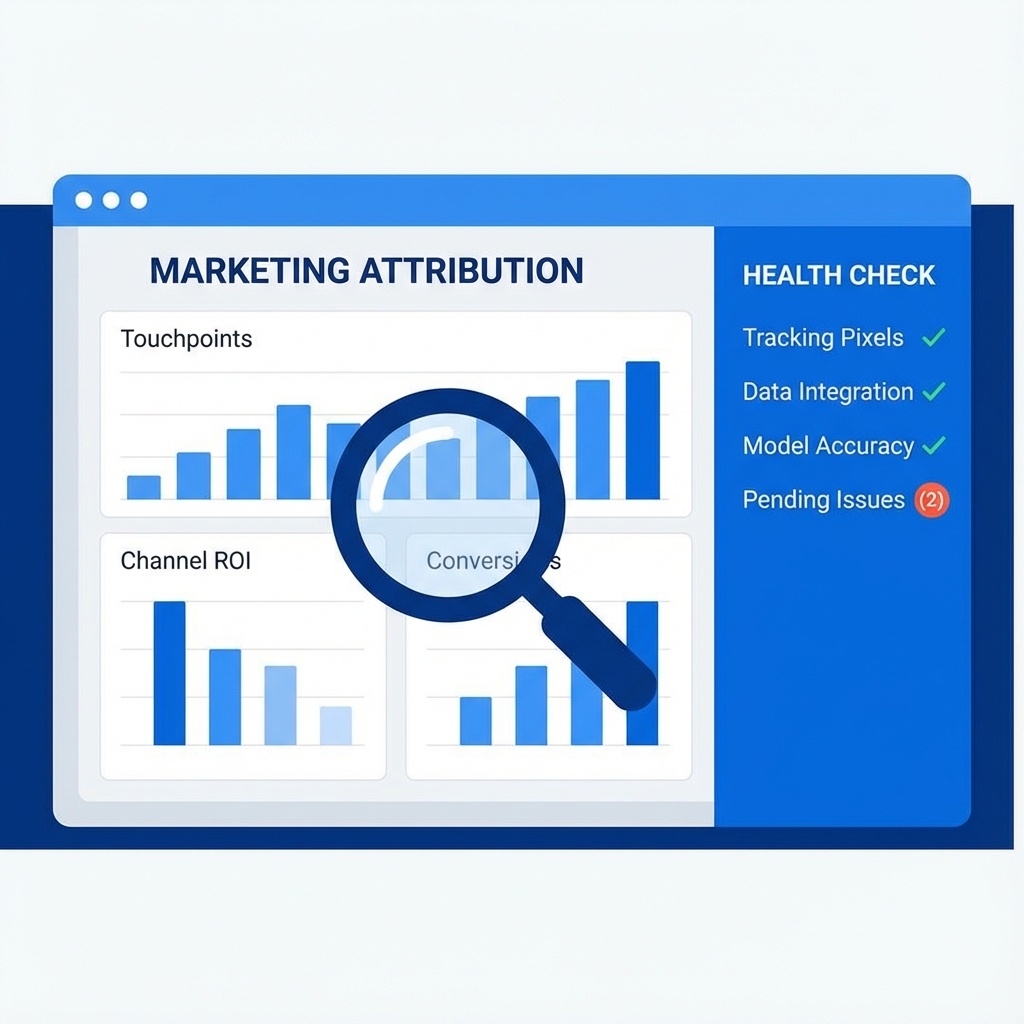
If you can't trust your data, you can't scale your campaigns. That's why we built the Forensic Attribution Health Check tool.
The Hidden Cost of "Good Enough" Tracking
Most businesses slap a Google Analytics tag on their site and call it a day. But modern attribution is fragile. A single broken redirect, a missing DNS record, or a misconfigured cookie consent banner can wipe out 50% of your conversion data.
The result?
- You pause high-performing ads because Google Ads says they aren't converting.
- You waste budget on low-performing keywords that steal credit.
- You can't prove ROI to leadership.
The Reality: If your GCLID (Google Click ID) drops off before a user submits a form, that lead is invisible to Google's bidding algorithms. You are literally paying to hide success from yourself.
Introducing: The Forensic Attribution Health Check
We got tired of manually checking the same technical configurations for every client. So we built a tool to do it automatically.
The Attribution Health Check is a free, forensic scanner that analyzes your website's tracking infrastructure in real-time.
What It Scans
Unlike generic SEO tools, this scanner looks specifically for tracking and attribution killers:
- Infrastructure Integrity: Checks if Google Tag Manager (GTM) and the Data Layer are actually present and firing correctly.
- Ad Platform Connection: Verifies if Remarketing tags and Conversion Linkers are active.
- Attribution Persistence: Simulates a paid ad click with test UTM parameters and specific GCLIDs to see if your site preserves them through redirects and navigation.
- Cross-Domain Health: Checks if your tracking survives the jump from your landing page to your app or booking subdomain.
How to Check Your Site (It Takes 30 Seconds)
We designed this to be the fastest way to debug your tracking stack.
- Go to the Health Check Tool.
- Enter your URL (e.g.,
yourcompany.com). - Click "Run Forensic Scan".
In under 30 seconds, a headless browser will visit your site, mimic a user journey, check your cookies and network requests, and generate a Pass/Fail report.
Common Issues We Find
Here are the top 3 errors our tool uncovers:
1. The "Redirect Stripper"
You run an ad to example.com/pricing. The user clicks. But your server forces a redirect to www.example.com/pricing/ (adding www and a trailing slash). In that split second, the URL parameters (?gclid=...) are stripped away. Attribution lost.
2. The "Ghost" Data Layer
You have GTM installed, but your dataLayer object isn't initialized before GTM loads. Your tags fire, but they have no data to send. All your "Value" and "Currency" fields in GA4 come through as undefined.
3. The Cross-Domain Dead End
Your marketing site is on www.example.com, but your signup form is on app.example.com. Without proper linker settings in GTM, the user gets a new Client ID when they cross over. GA4 counts this as two separate users, and the conversion is never linked back to the ad click.
Don't Let Bad Data Win
Attribution isn't magic; it's engineering. And like any engineering system, it needs to be tested.
Stop guessing. Stop assuming your agency set it up right. Verify it yourself.